
Pen drive কে Bootable করার নিয়ম
কার্যপ্রণালীঃ
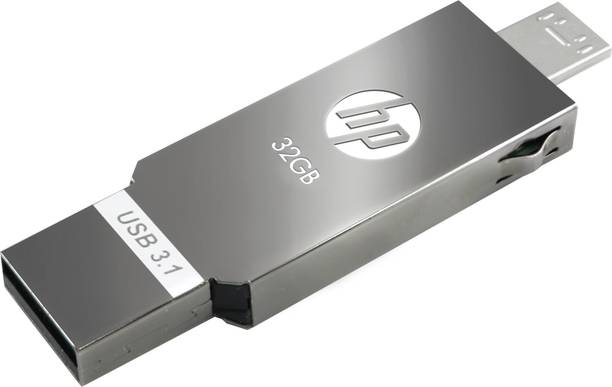
১. পথমে ৮ GB Pen-drive টিকে পিসির USB port-এ লাগান। Pen-drive কে NTFS এ format করুন।
২. এখন Windows এর Command Prompt েমনুতে যান। Start menu>> All Programs>>Accessories>> Command Prompt or start menu ta search করন (Open it).৩. এখন লিখুন >diskpart এবং enter চাপুন।৪. DISKPART> list disk লিখে enter চাপুন।৫. DISKPART> select disk 1 লেখে enter চািুন। (এখানে আপনার Pen-driveকে select করুন, এটি
সাধারনত disk 1 হয়ে থাকে।
৬. DISKPART> clean লিখে enter চাপুন। লক্ষ রাখুন Clean করার ক্ষেত্রে প্রথমবার error দেখাতে পারে সেক্ষেত্রে আবার clean লিখে enter চাপুন।৭. DISKPART> Create partition primary লিখে enter চাপুন।
৮. DISKPART> active লিখে enter চাপুন।9. DISKPART> format quick লিখে enter চাপুন। 100% হওয়া পর্যন্ত অপেক্ষা করুন।১০. DISKPART> assign লিখে enter চাপুন। Successful আসলে Exit লেখে বের হয়ে আসুন। এখন এই Pen-drive এ পিসি থেকে Setup file কপি করুন। তাহলেই কাজ শেষ।


No comments